Contacts
Reach your loved ones without any complications
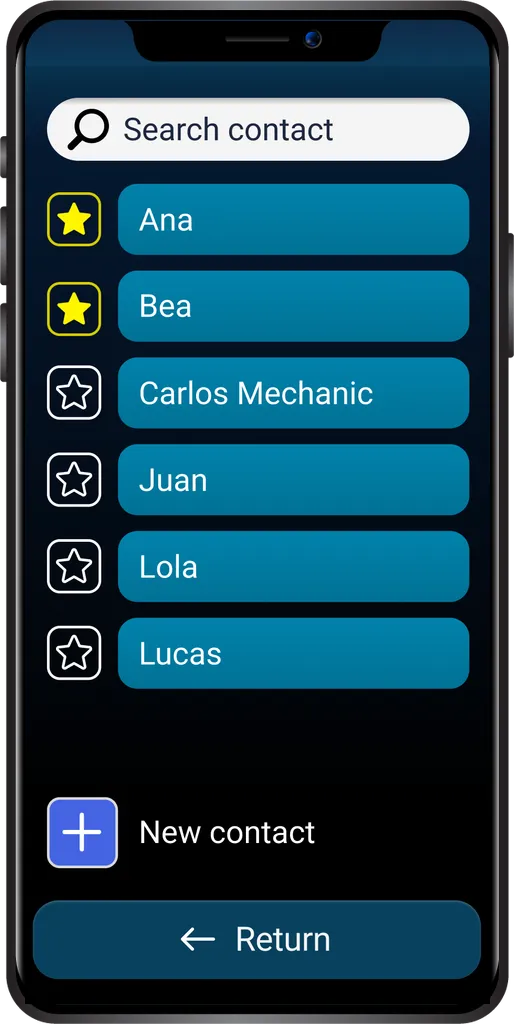
The app includes an adapted Bleta Contacts app: calls and messages that are quick, clear and simple. Stay close to the people you love in a couple of taps.
Free on Google Play
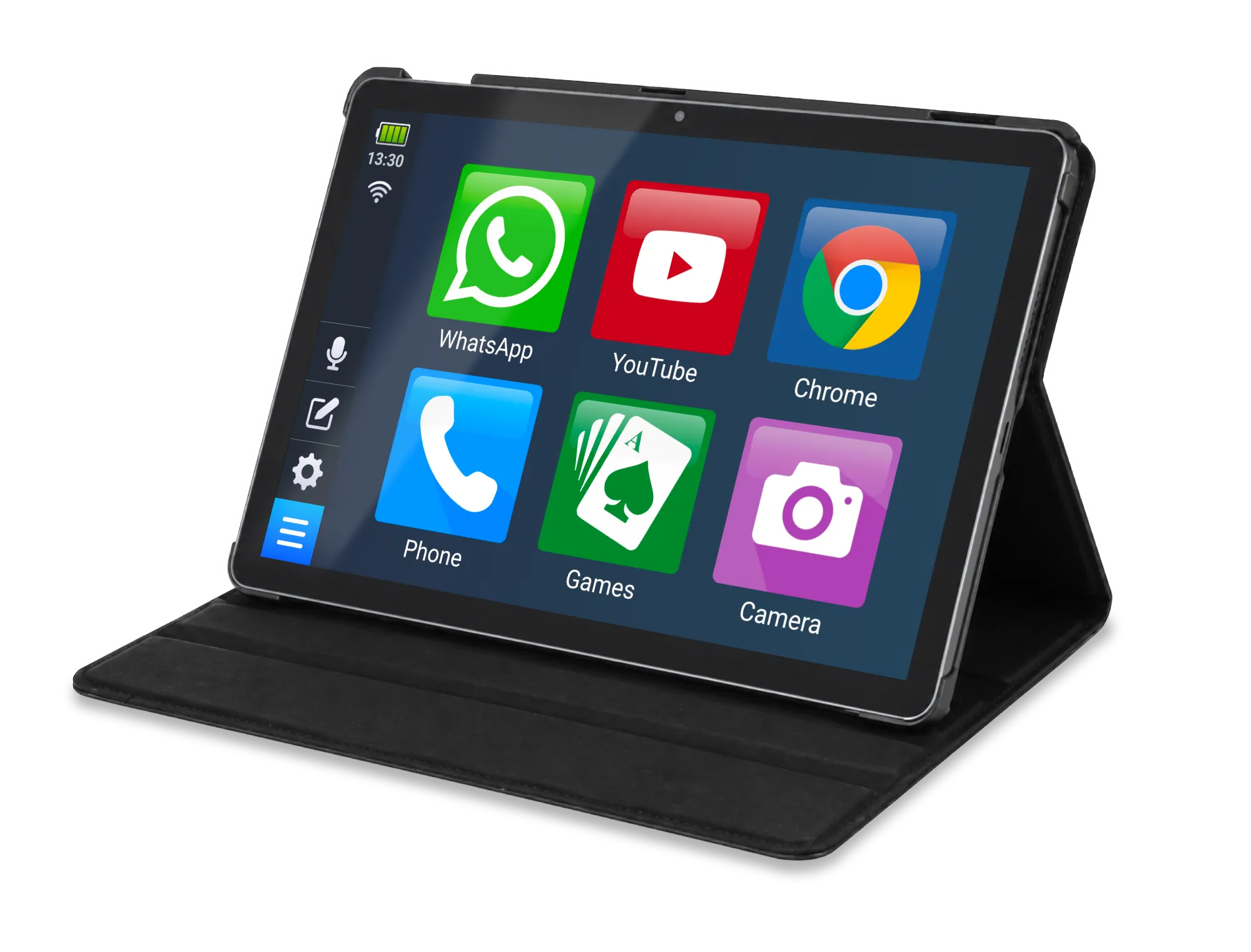
The Bleta app changes the way your phone looks, so it is easier to use for older people and for people with poor eyesight.
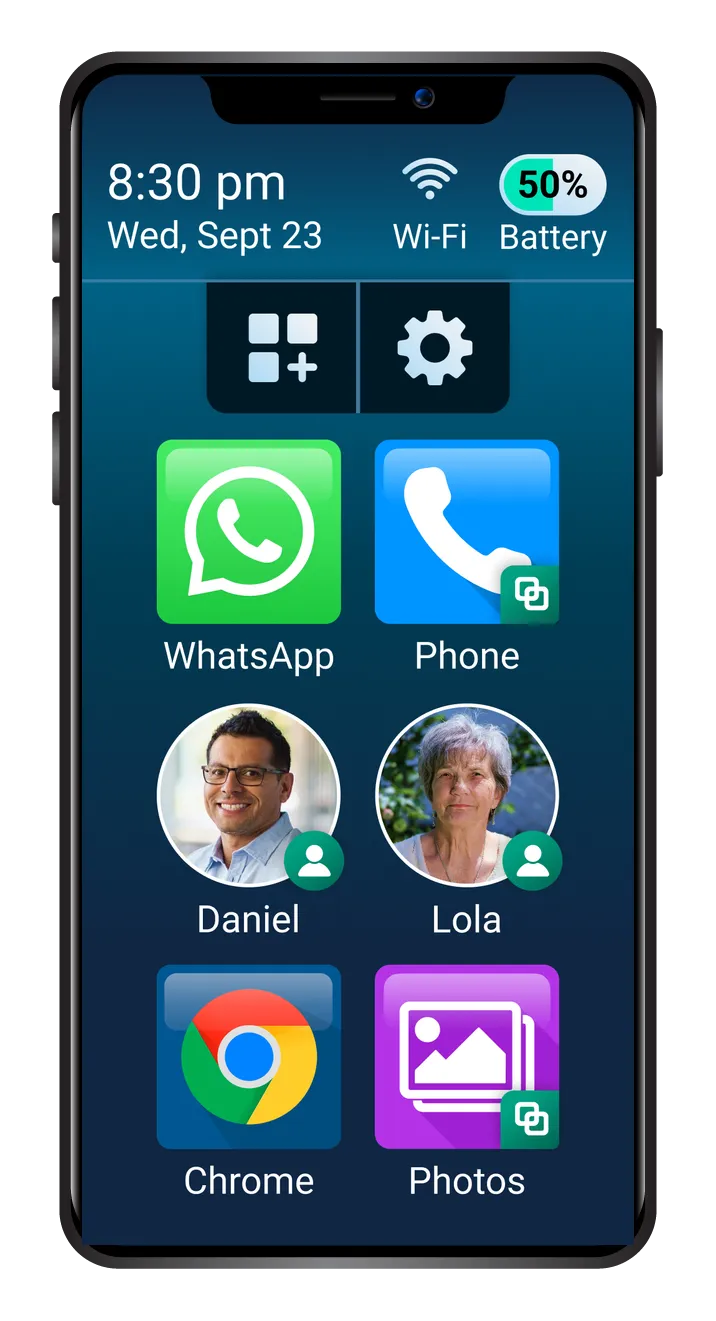
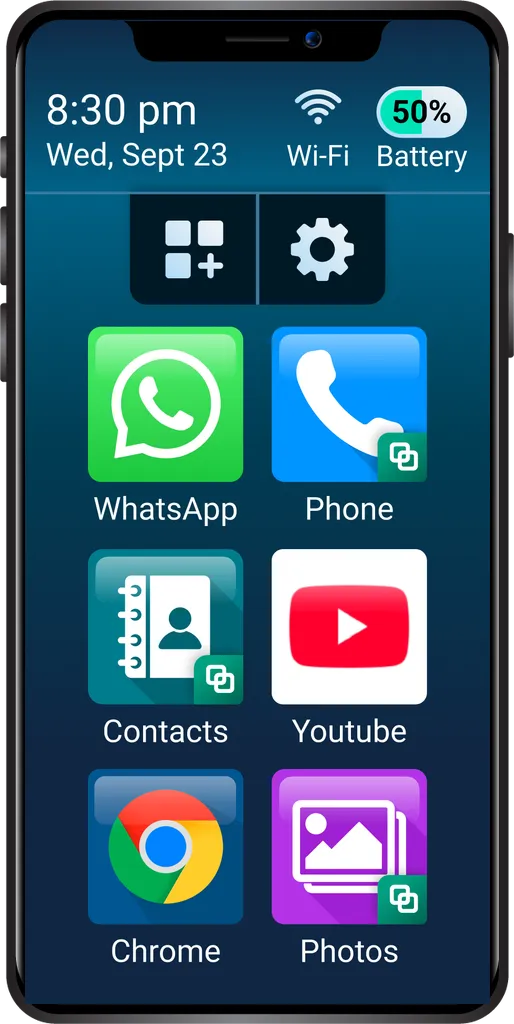
Everything is visible
Large and clear, so there is never any doubt about where to press.
Adapted apps
Contacts
The app includes an adapted Bleta Contacts app: calls and messages that are quick, clear and simple. Stay close to the people you love in a couple of taps.
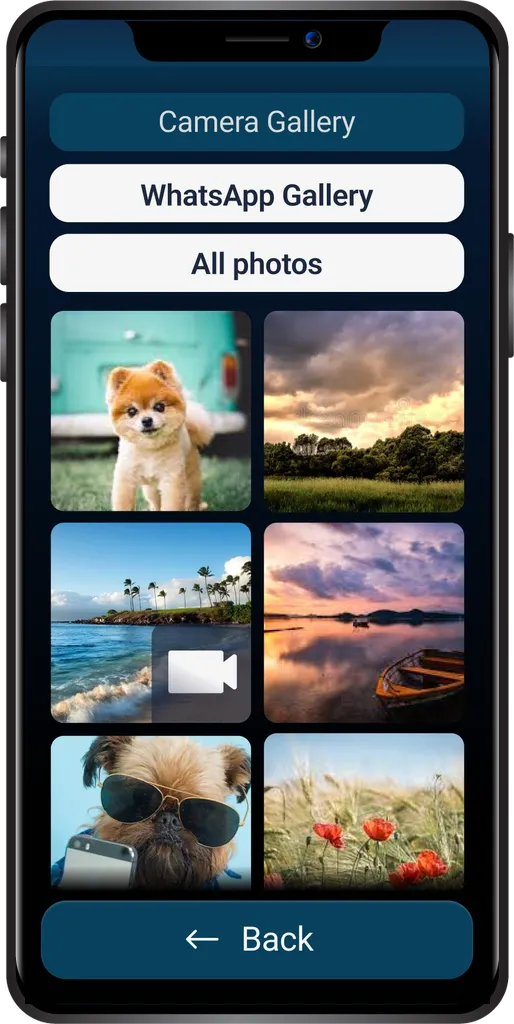
Gallery
An adapted Gallery app for enjoying your favourite photos and videos, clearly and in order. Your moments, always to hand.
It is still your phone
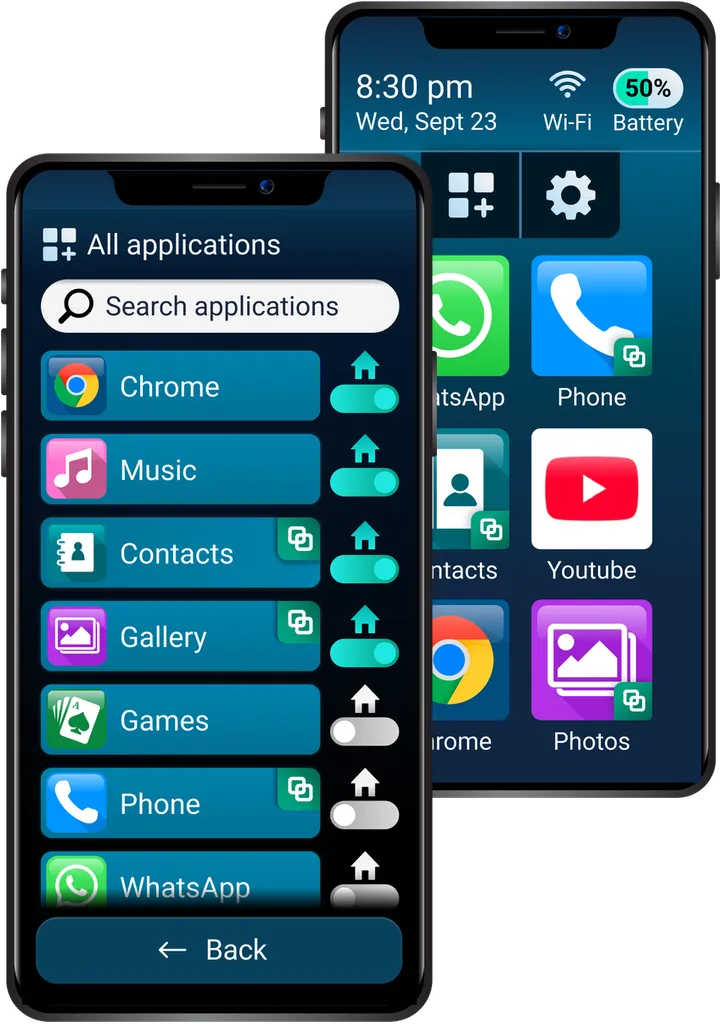
The Bleta app changes the way your phone looks so it becomes accessible, without taking away any of the advantages of a smartphone.
You still have all the apps on your phone, and you can download any new app from Google Play.
Calls
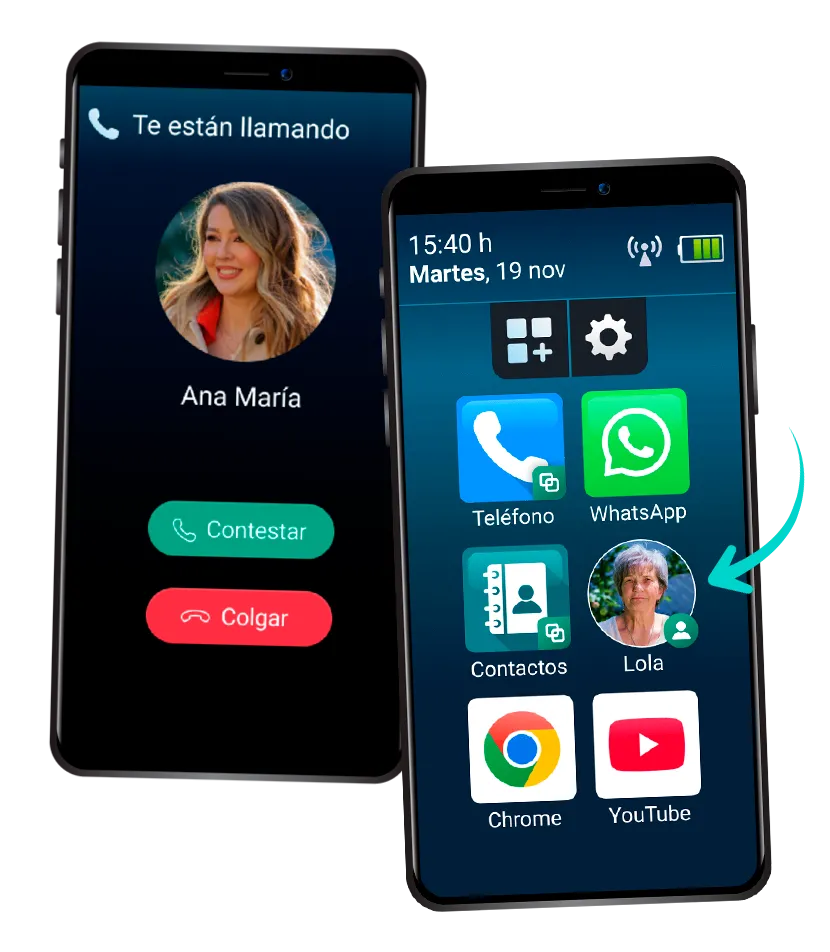
See at a glance who is calling you, in clear, easy-to-read text. Answer or decline a call effortlessly, with one tap.
You can also call anyone by tapping their photo, straight from the home screen.
And there is more
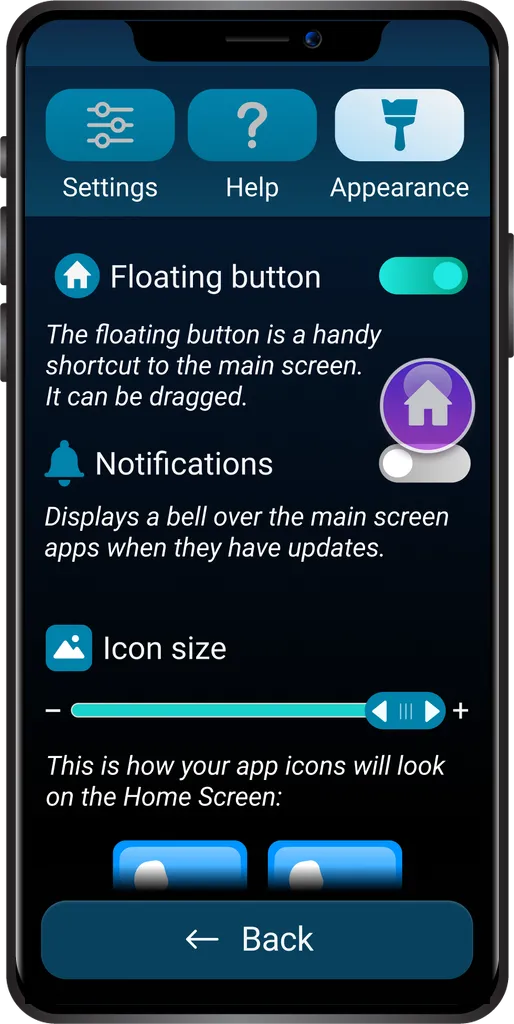
Go back to the home screen from any app. You can move the button wherever suits you best.
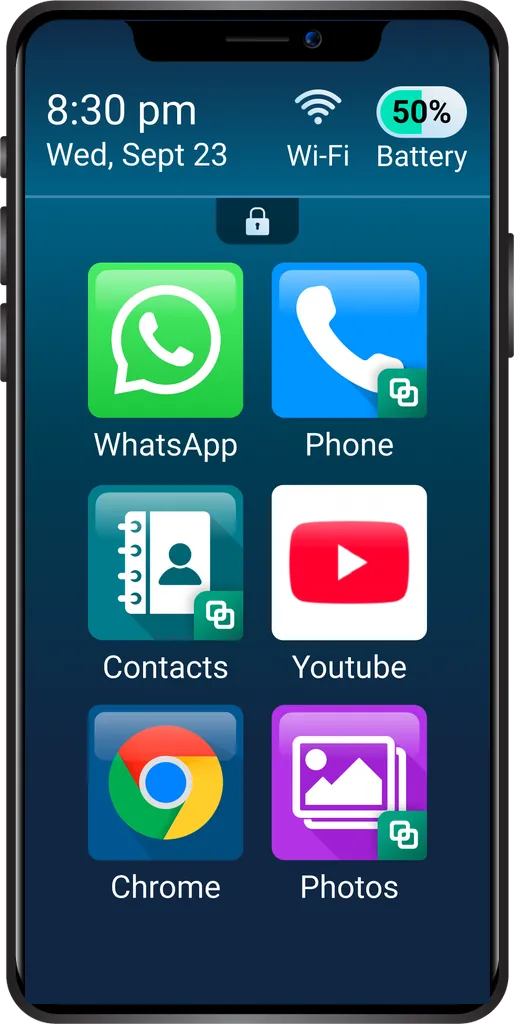
It prevents accidental changes by locking the settings and stopping apps being installed or deleted by mistake.
Download
Downloading the Bleta app onto your phone is very easy. Just follow these steps:
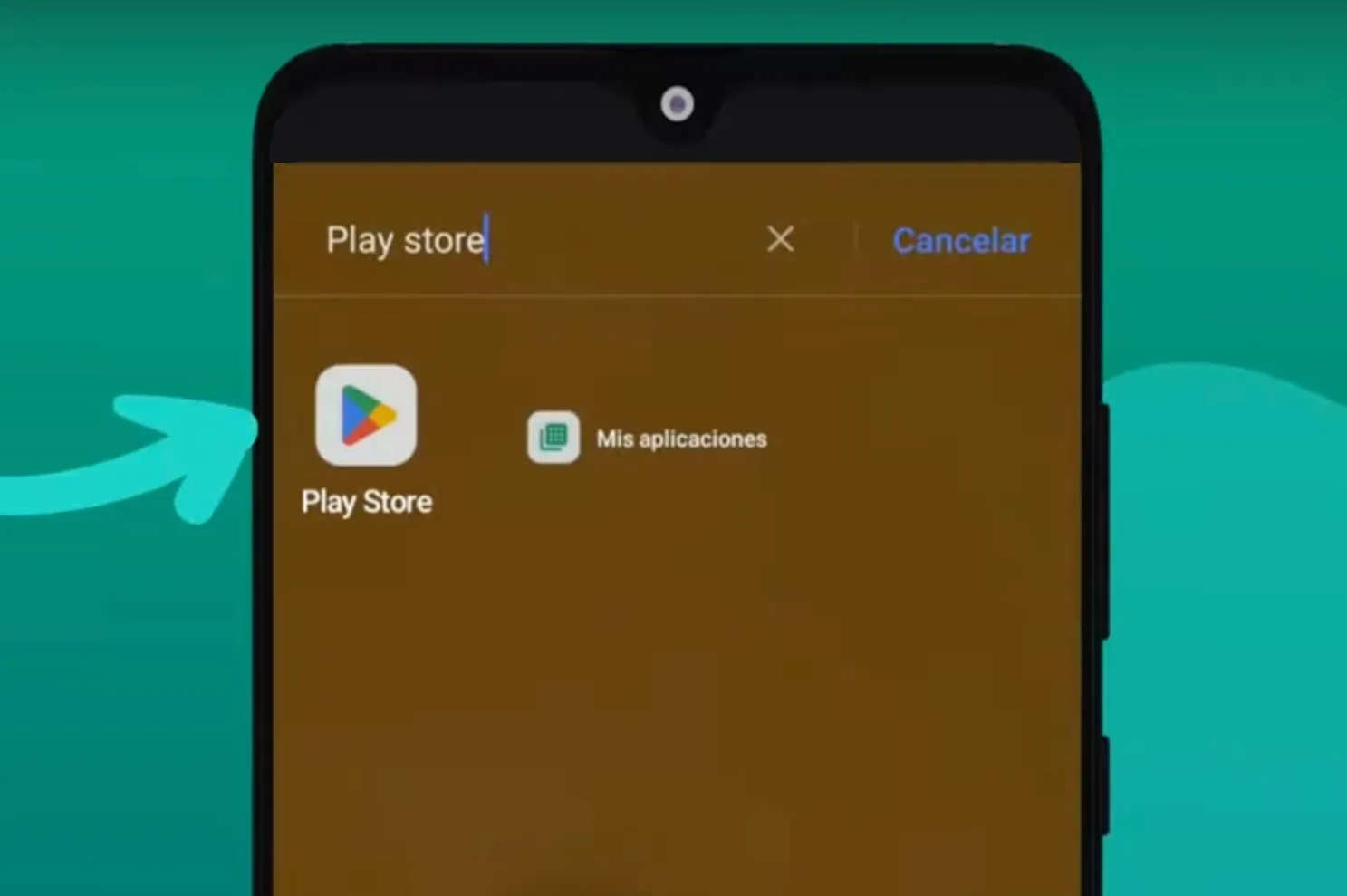
On your phone, go to the Google Play Store app. The Bleta app is only available for Android phones (not iPhone).
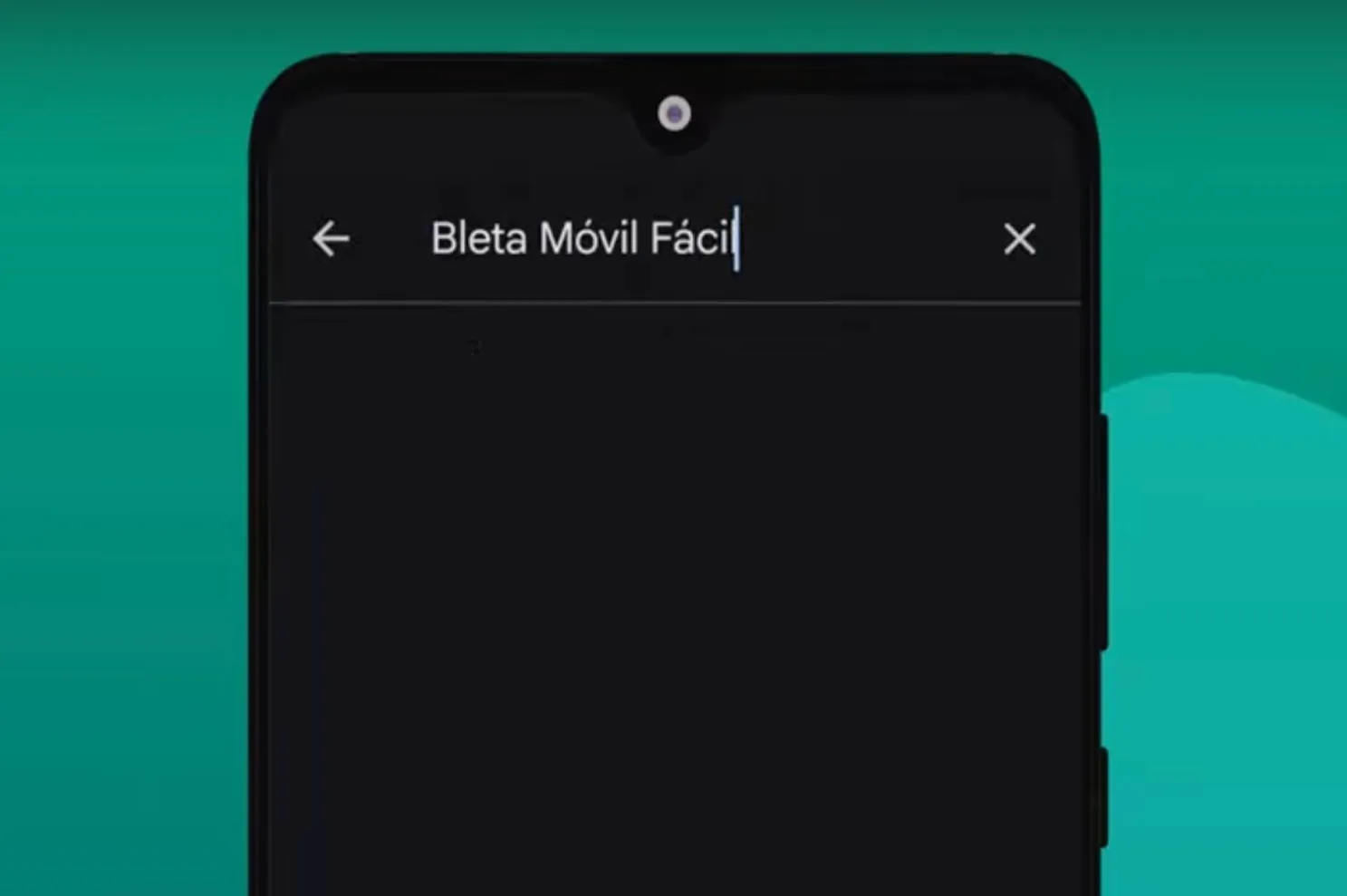
Type the name of the app, 'Bleta - Easy Phone', into the search box.
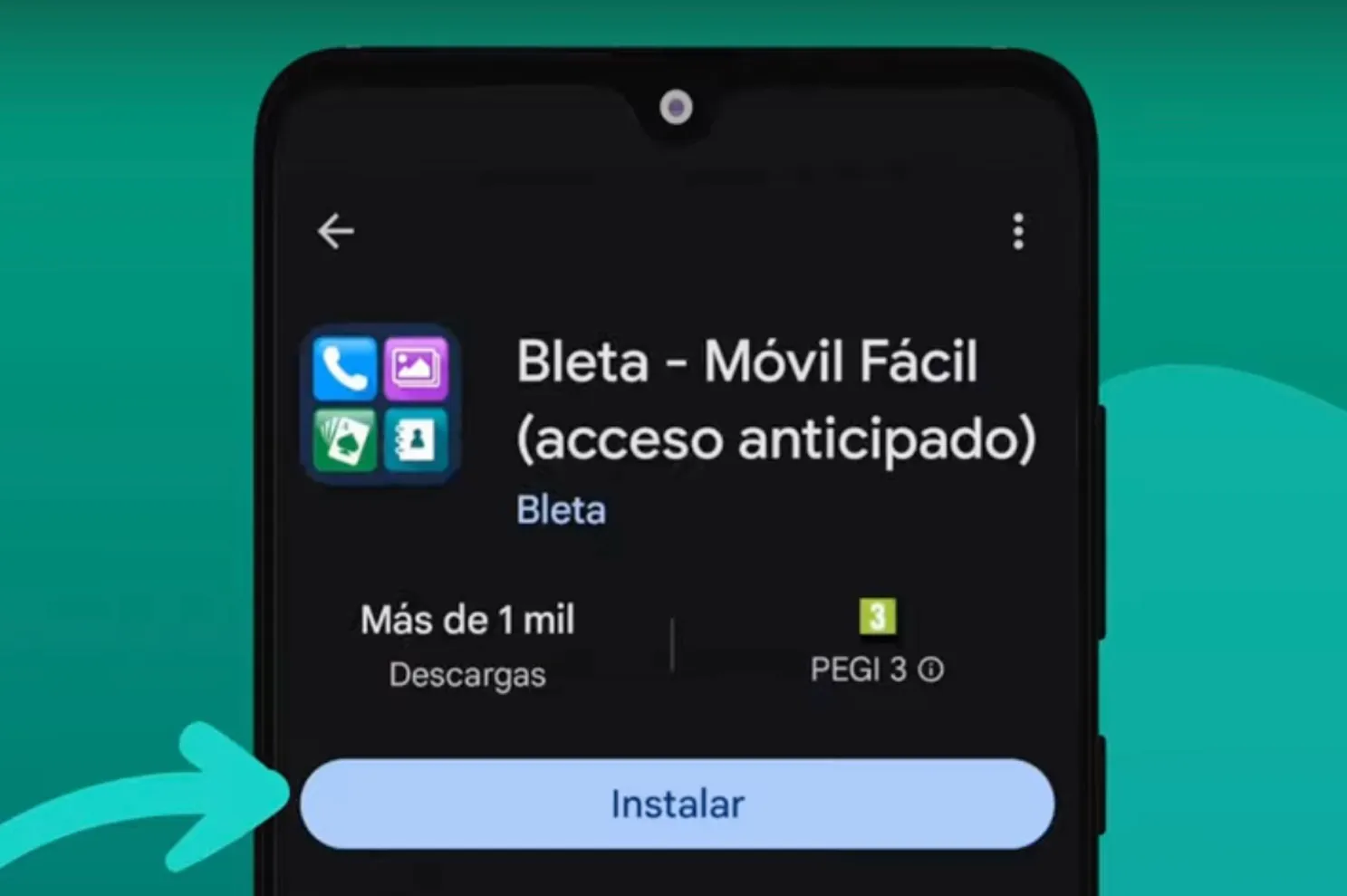
Press the Install button, wait for the download to finish and open the Bleta app.
Honestly the best launcher I could install for my 75-year-old uncle. It sorted out how much he hated dealing with the phone, because he finally managed to learn to use it better. I thank from the bottom of my heart the people or the developer behind this app, who went to the trouble of putting something like this together. I give it 5 stars, and I would give more if I could. Thank you so much, really ❤️🫶
I installed it for my grandmother and it works perfectly. They do a good job, the launcher is very polished, well done to them. I have already rated it on both phones. A big hug to the developer.
Delighted with this launcher, and my mother even more so. Everything is very simple and intuitive, and you can lock the screen layout so she does not change things by mistake. The floating little house icon is also wonderful, because now she always knows how to get back to the home screen, which used to confuse her. Thoroughly recommended. Thank you to its creators.
I have just installed it and I found it very easy and comfortable to use... spectacular. Great work, congratulations 👏🏻
Genuine user reviews published on Google Play, translated from the original Spanish.