
We are here to help
Frequently asked questions
Here are the questions we are asked most often about Bleta. If yours is not here, write to us and we will answer it in no time.
 Message us on WhatsApp
Features
8What makes Bleta different from other tablets?
At Bleta, we are pioneers in adapted technology, and our tablet stands apart from other products on the market in several key ways:
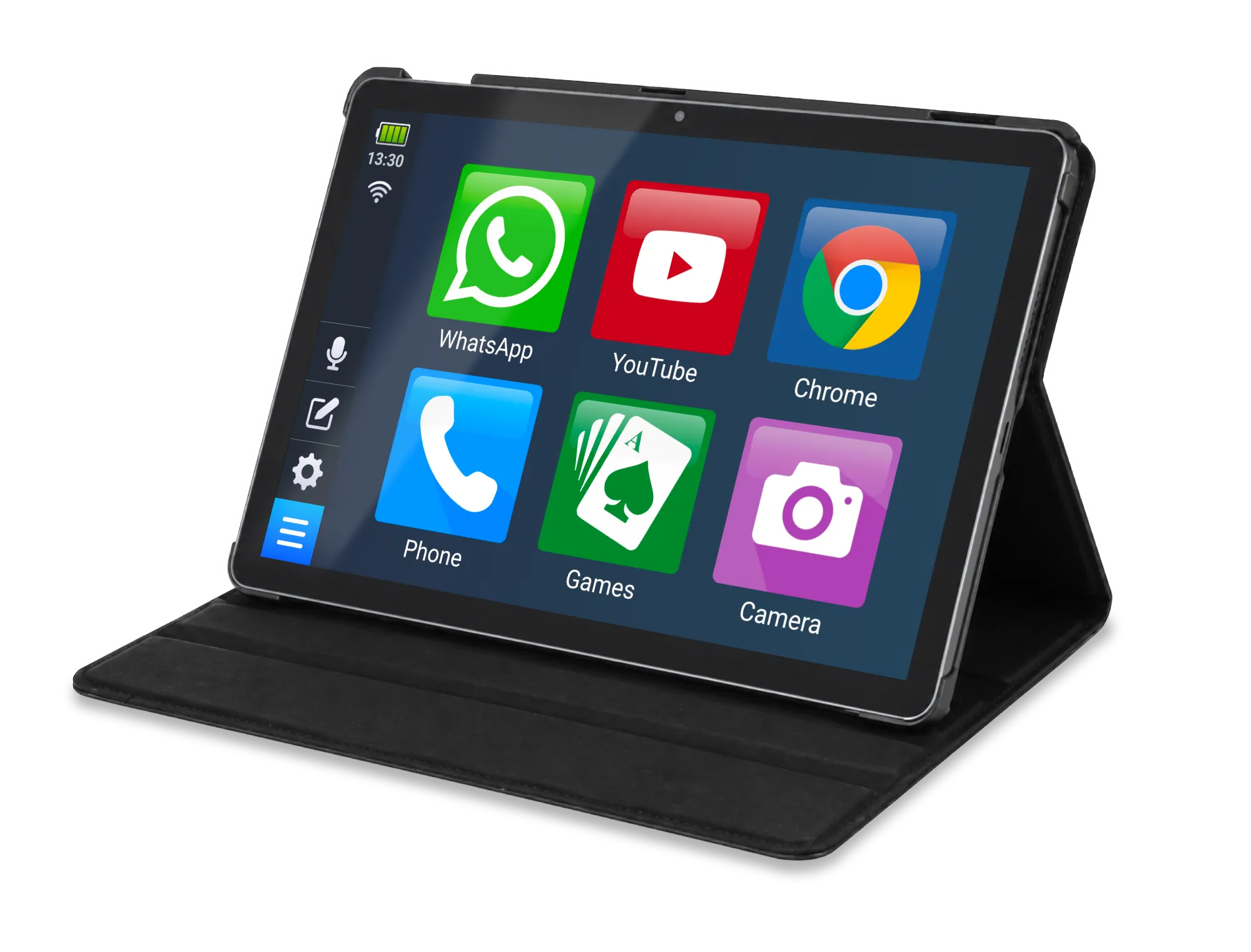
- Easy to use: Bleta has a design that is easy to find your way around, with large buttons and large text that make day-to-day use straightforward.
- A hand-picked selection of apps: we have carefully picked apps that are genuinely useful for older people, from WhatsApp for keeping in touch to games that stimulate the mind and tools for remembering to take medication.
- High-quality screen and sound: Bleta offers a superior visual and listening experience, with a large screen and clear sound, so that every interaction is easy and enjoyable.
- Set up for you: Bleta arrives at your home fully configured and ready to use, taking the stress out of the setting-up process.
For more information, click HERE.
What comes with the tablet?
With every tablet, we include the following accessories: a rotating case, a stylus and a charger.
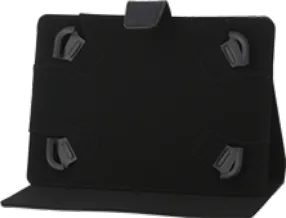
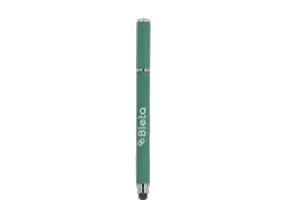
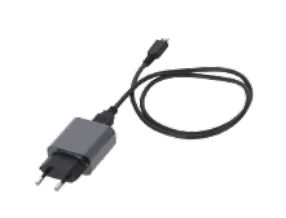
And the tablet arrives already set up and ready to use.
What is Bleta like inside?
In this video you can see what Bleta is like inside and how to find your way around its interface.
Can the text size be made larger on Bleta?
Yes, Bleta has been designed so that a larger text size can be set. Everyone can adapt it to their own needs, and it can be changed as many times as you like.
Does it have Wi-Fi?
It does! Every Bleta tablet has a Wi-Fi connection.
Can a SIM card be fitted?
Every Bleta tablet has a slot for a mobile data SIM card. With the SIM card inside the tablet, you will be able to make calls and browse the internet from anywhere.
Is the sound loud enough if I am hard of hearing?
The Bleta tablet has two stereo speakers with Dolby Atmos, and you can turn the volume up with the buttons on the side or from the Settings button on the menu bar.
If you are hard of hearing, there are three things that help further: wired headphones in the 3.5 mm headphone socket, a hearing aid that connects over Bluetooth, or an external Bluetooth speaker. All three bring the sound closer to you, or make it louder than the tablet’s own speakers can on their own.
All right, but… where can I find all of Bleta’s features?
Here you will find a summary of Bleta’s features.
And for the more expert among you, here are the full specifications.

Apps
2Which apps come with the tablet?
The Bleta tablet comes with a selection of apps suited to the needs of older people. They include cognitive games and health tools, as well as the most widely used apps, such as WhatsApp, YouTube, Google Chrome and Photos. Here you can see the apps in detail.
You are also free to download any other app you want from the Google Play Store. You only have to look for the app that interests you and install it, just as you would on any other phone or tablet!
Can any app be installed on the tablet?
Yes, you can install any app you find in the Google Play Store, just as you would on any other smartphone or tablet.
Can I use WhatsApp on Bleta?
Yes, Bleta comes with the WhatsApp app installed.
If I already use WhatsApp on a phone, can I use it on Bleta as well?
Yes, the WhatsApp app lets you use the same account on several devices by following these instructions.
If you already use WhatsApp on a smartphone and would rather have it on Bleta, there is also the option of uninstalling WhatsApp from the smartphone and setting the account up with that phone number on Bleta.
Do I need to put a data SIM card in Bleta to use WhatsApp?
No, you do not.
The data SIM card will let your Bleta have a 4G internet connection when you are not near a known Wi-Fi network, but it is not a requirement for using WhatsApp on Bleta.
If you have a basic mobile phone or a smartphone without WhatsApp set up, type in the phone number when you set up WhatsApp and you will receive its confirmation code in a message on your phone. Once you have typed the code into the WhatsApp app on your Bleta, you will be able to use WhatsApp without any trouble. You will never need to repeat this step again.
What is more, the WhatsApp app now lets you use the same account on several devices by following these instructions.

Languages
1Which languages is Bleta available in?
At the moment, the tablet is available in English, Catalan, German, Spanish, French, Italian, Dutch, Portuguese and Swedish.
And we fully intend to keep adding languages so that we can reach more people!

The Bleta - Easy Phone app
5Is the app completely free?
It is! It has no adverts and no in-app purchases. At Bleta, we are committed to offering a service free of advertising, making new technology easier for everyone to reach.
How does Bleta - Easy Phone make finding your way around more intuitive?
The app has a simplified home screen that makes the phone easier to use. It also includes adapted versions of the contacts and gallery apps for a more accessible experience.
Where can I download the app?
You can download it from this link or straight from the Play Store by searching for “Bleta - Easy Phone”. It is available for all Android devices.
You will find all the details on the app page.
Is there a version for iPhone?
Sadly not. iPhone devices do not allow this kind of app, which changes how apps and phone functions are shown. We are working on the best possible solutions for our customers.
What is the difference between the app and the tablet?
They are different products, thought out to meet different needs. The tablet is still our main product, ideal for people who are starting out with new technology or who have difficulties with sight or movement. The app, for its part, needs no hardware of its own: it runs on the phone you already have, which means it can be downloaded anywhere in the world. It also mirrors the tablet interface with adapted apps, to offer a similar experience.

Other questions
6Who are we?
Bleta is a project born with the aim of removing, or at least narrowing, the digital divide that separates older people from new technology. We have developed a tablet adapted to older people, easy and intuitive to use, to improve their quality of life.
You can find out more about our story here or follow what we are up to on our social media (at the bottom of this page).
The tablet will not turn on. What can I do?
- Plug the charger into the wall socket and the cable into Bleta’s charging port.
- If the screen does not come on, or comes on only for a moment and then goes off again, try changing the cable or the charger.
- Press and hold the power button to turn it on if you had switched it off.
Yesterday everything was fine, but today something is not working…
First of all, restart the tablet. That usually solves the vast majority of problems that come up.
If you have any question or problem with Bleta, you can send an email to contact@bleta.io or ask us on WhatsApp. We will be delighted to help.
WhatsApp messages are not being sent, I cannot make video calls and some apps do not work.
- Check that you have set up your Wi-Fi network and that the tablet is near the router: the Wi-Fi connection icon in the quick bar will tell you. If you are away from home and have no 4G internet, you will need to connect to another Wi-Fi network to get online.
- Check that the tablet has an internet connection. Your router or the Wi-Fi internet service from your phone company may be having problems; get in touch with them to sort it out.
I cannot get people to see my camera during a video call.
Make sure that sending video from your end is switched on, shown as a video camera icon. If it has a line through it, it is switched off, so you will need to switch it on for people to see you. If you would rather not be seen during a video call, put the video camera button back to the one with a line through it.
Since Bleta has two cameras, front and rear, you may be sending the picture from the rear camera and need to switch to the front one so that people can see your face. Rest Bleta on the table and press the camera button with the circular arrows to switch to the front camera.
No longer want the tablet?
If you no longer want to use your Bleta tablet, get in touch with us (message us on WhatsApp or write to us at contact@bleta.io) and we will do everything we can to give it a second life.
At Bleta, we work to extend the useful life of our electronic devices and to stop them ending up forgotten in a drawer or thrown away in landfill. That way we help drive a circular economy and protect our environment, as well as drawing the greatest value out of every tablet. Get in touch with us and earn rewards for the tablet you no longer use.
Cannot find your answer?
Message us on WhatsApp or send us an email.

We are here Monday to Friday, from 9am to 2.30pm (Spanish time).
