Message us on WhatsApp
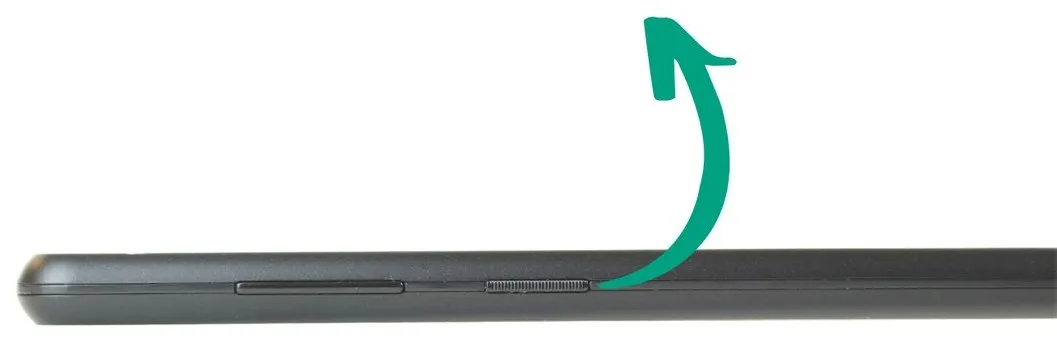
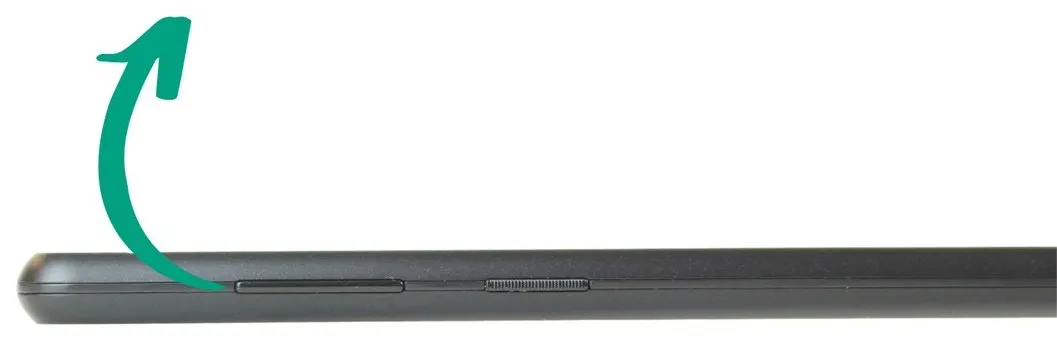
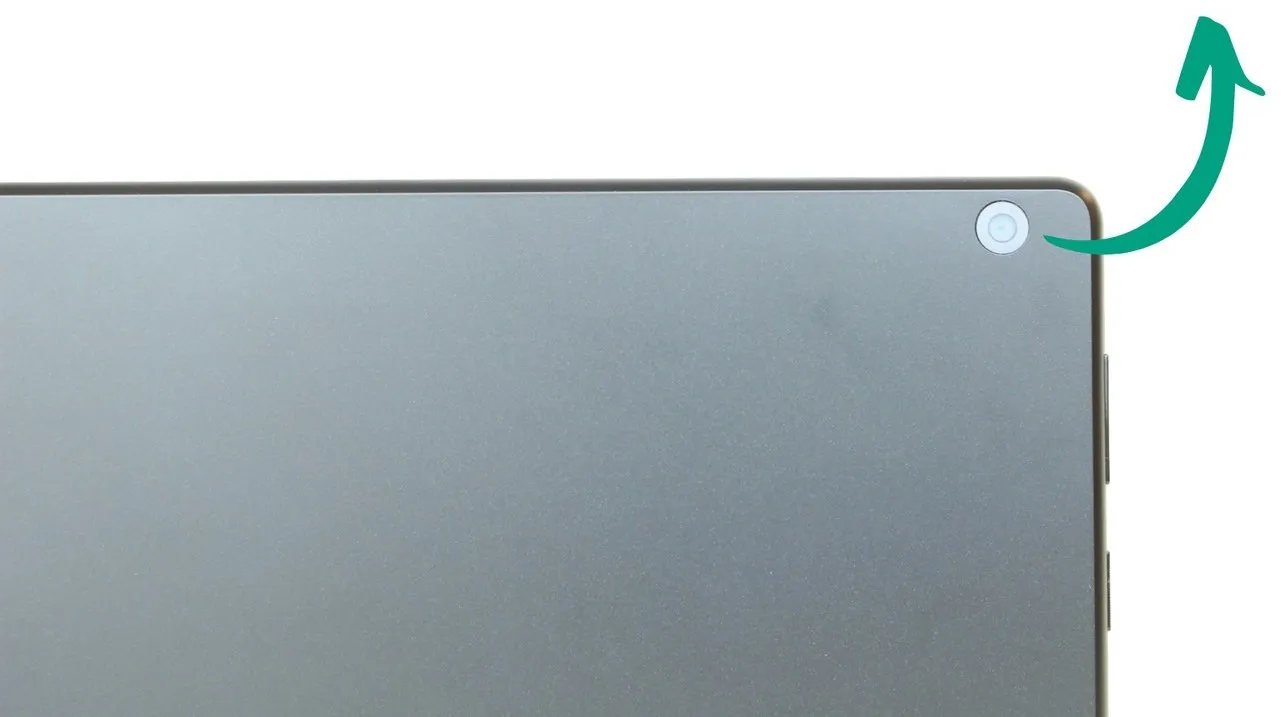
On, off and lock button
This button switches the tablet on and off and locks the screen.
- Switching the tablet on. Press and hold the button for about 3 seconds. The screen lights up and the tablet starts up.
- Switching the tablet off. Press and hold the button for 3 seconds, until the power options appear on the screen, and choose Power off.
- Locking the screen. This turns off the picture without turning off the tablet: a short press is enough. The tablet keeps working, but accidental taps are avoided and it uses less battery.
- Unlocking the screen. Press the power button briefly or tap the screen twice in a row.
Out of the box, the Bleta tablet has no password, PIN or unlock pattern, so that getting in is as easy as possible. If you want to add that layer of security, you can set it up from:
Options Advanced settings Security and privacy Device unlock Screen lock